A Diservice to Service Workers

وقل ربي زدني علما
'and say: O lord increase me in knowledge’ (20:114)
Post-Mortem: Using Service Workers for Offline-first Web Apps
بسم الله الرحمن الرحيم
Not too long ago I was visiting a local mosque (and community center) that I frequent often and noticed that the slideshow display wasn’t working. After some discussion with one of the admins, we jointly proposed a new slideshow display to replace the defunct display they had at the time. The new display would be a web application which achieves feature-parity with the previous display and adds some extra conveniences.
As per the usual, I underestimated the amount of time it takes to create a ‘simple’ slideshow which is resilient and robust. After all, slideshows are expected to run for months (even perhaps years) without stopping or crashing, ideally without any intervention from my side.
The first version of the slideshow was live and deployed to the center a couple of days after the proposal. About 16 hours later I received my first complaint:
“Hey, it seems the slideshow has stopped working?“
Attached was a photo similar to this:
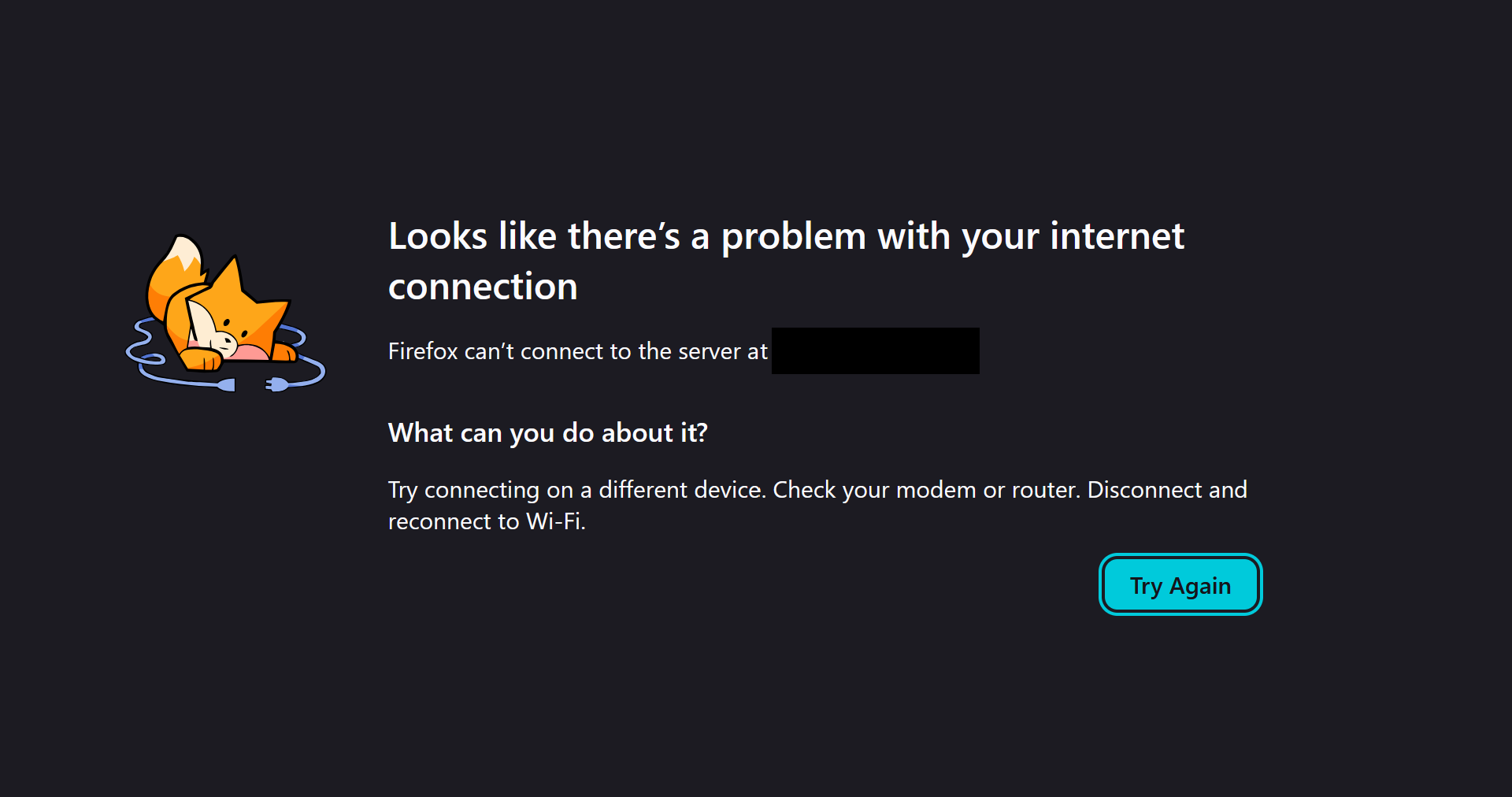
I was somewhat bewildered, as the (somewhat humble) device running the slideshow has around-the-clock network access via ethernet. After some debugging and testing it appeared that the center’s internet was significantly poorer than expected. Multiple times per day the center’s internet connection would cut for minutes on end despite being on ethernet.
Knowing this, I could have taken the simple route and packaged the app in Electron and have to deal with this issue. However, this would make updates much more difficult so I decided it wasn’t the right solution.
This is when I was introduced the main villain (and hero?) of the post, the notorious Service Worker (SW). Simply put, a SW is a background thread that intercepts all HTTP requests made by a javascript application. Whenever a request is executed the SW is notified and can then decide what action to perform. It can allow the request to continue as usual, return a cached file stored on the user's file system, transform the http request to fetch a resource from another domain, etc. The possibilities are endless. Here’s an example of a SW:
self.addEventListener("fetch", (event) => {
  event.respondWith(cacheFirst(event))
})

async function cacheFirst(event) {
    const {request} = event
    const cached = await caches.match(request.url)
    if (!cached) {
      return fetch(request)
    }
    return cached
}
So I decided to use a SW. Whenever the app starts or refreshes itself it would cache all relevant files (html, css, js, images, etc.) and delete any stale files. If the network conditions are poor it would fallback to the older (already cached) version of the app and try again later. This theoretically should’ve prevented any poor network conditions from crashing the app. Or so I thought…
Lo and behold only 48 hours after I deployed the now updated version with a SW I received another message that stated that the slideshow was no longer displaying:
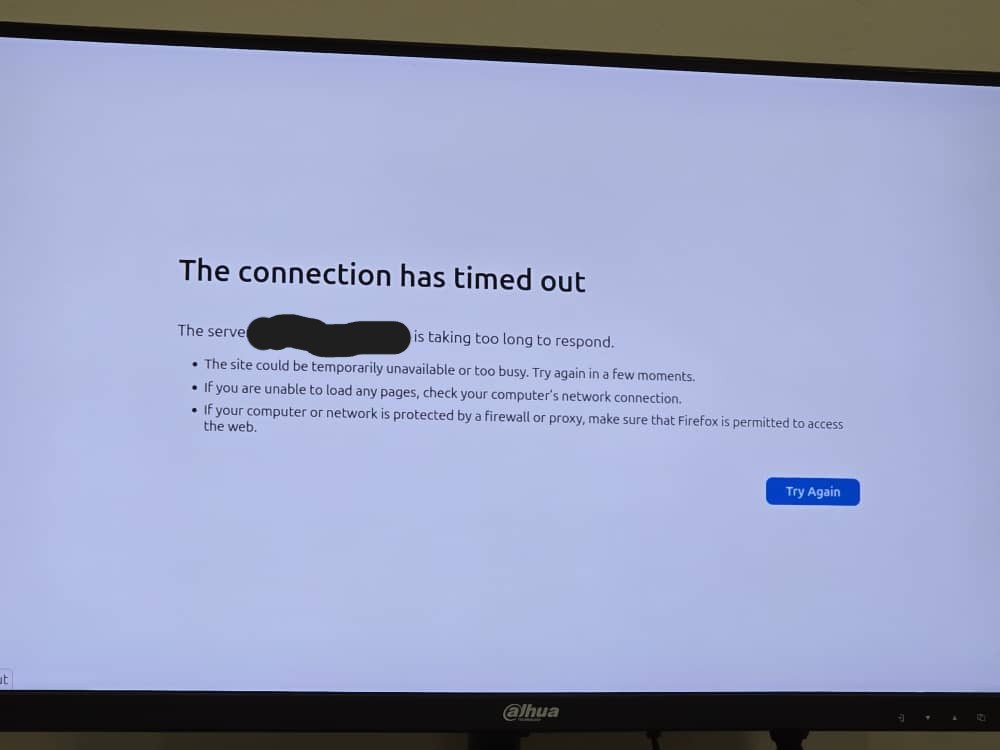
This left me more bewildered than the previous time. As I had accounted for when the network conditions were poor and the files should have been served from cache. However upon further investigation it appeared that I forgot to account for one edge case: when the network takes too long to respond and the user-agent (firefox browser in this case) kills the SW. The default timeout for SW as of writing this seems to be 5 minutes (300 seconds).
The solution? Just add timeouts to SW requests that are shorter than the user-agent’s max timeout. Continuing from the previous example, update the cacheFirst function like so:
// any value less than user-agent timeout
const TIMEOUT_MILLIS = 60_000
if (!cached) {
  return fetch(request, {
    signal: AbortSignal.timeout(TIMEOUT_MILLIS)
  })
}
Lesson of the day: always add timeouts to your SW requests, especially if you want to create a true offline-first web app that is resilent to poor network conditions. Also, eat your vegetables. See ya next time!